



Manage Customer Cases Intelligently,
Elevate Satisfaction Further
Handle every customer case end-to-end — from intake and SLA tracking to resolution — with AI that detects issues from chat and recommends solutions so your team works faster and delivers better care.
Try for free with AI ✦ that will take your experience to the next level
Trusted by Leading Companies


Detect Issues, Open Cases Faster, and Resolve Them More Accurately with AI
AI detects customer issues from chat and suggests case creation instantly, automatically pulling key context from conversations. Case AI Assistant then recommends reply approaches and resolution steps so your team can respond faster and more accurately.

Case AI Assistant
AI summarizes and analyzes cases, recommends replies and resolution steps, helping your team handle customer issues with more confidence and structure.
Chat AI Detection
AI detects problem signals in customer conversations and suggests opening a case immediately, so your team can track every issue without anything falling through the cracks.
Full Case Visibility, Clear Tracking, and Smarter Resolution
Transform scattered cases into an organized system with Kanban View that arranges every case by stage clearly, with category separation so the team can see the full picture and track status with ease — enhanced by AI that recommends resolution approaches for greater accuracy.
Start Free 14-Day TrialAll Case Details in One Place for Seamless Support
Consolidate all case information — name, description, category, dates, and tags — linked to deals, activities, and customer chats. Sales teams see full customer context before following up, reducing time spent searching and enabling continuous, uninterrupted care.

Build a Case Workflow That Fits Your Team
Flexibly customize stage names and order on the case board to align with your team's actual process. Team leaders gain a clearer view of each case's status and an overall picture of customer care progress.

Stay Ahead of Delays with Smarter Case Prioritization
Create case categories and define SLAs by issue type — whether it's first-response time, resolution time, or pre-deadline alerts — to prioritize urgent cases and reduce delays in customer care.

Shared Visibility That Keeps Customer Care Moving
Assign a primary case owner and add multiple participants, enabling sales teams, service teams, and stakeholders to collaborate continuously. Even when the primary owner changes, previous owners can still follow progress.

Smarter Team Routing That Keeps Every Case in Motion
Automatically route cases to the right team member based on defined categories, with real-time visibility into each person's current caseload. Teams distribute work appropriately and reduce the risk of important cases being overlooked.

Unify Every Customer Touchpoint into Actionable Care
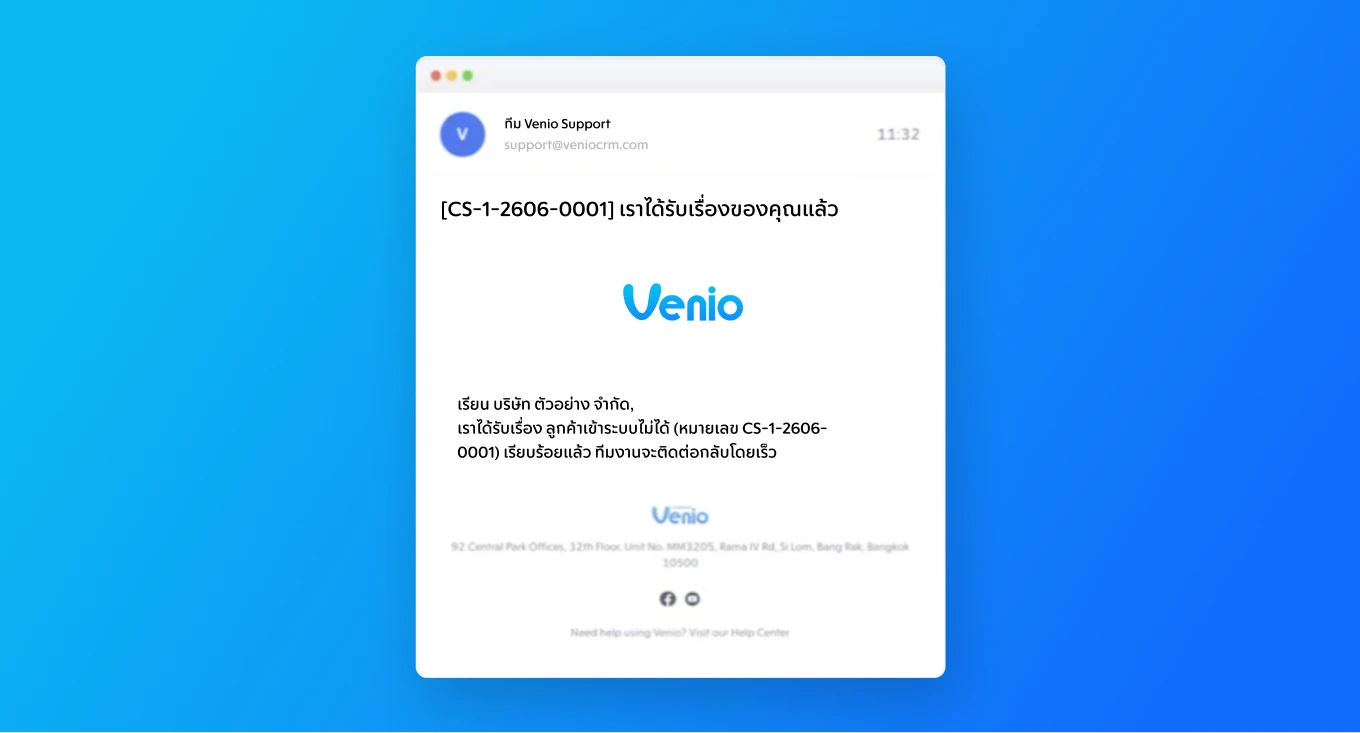
Automatically convert customer problem emails into cases, with updates sent to the team and customer upon assignment.
Let customers report issues through a form to automatically create a case, then route it to the right handler.
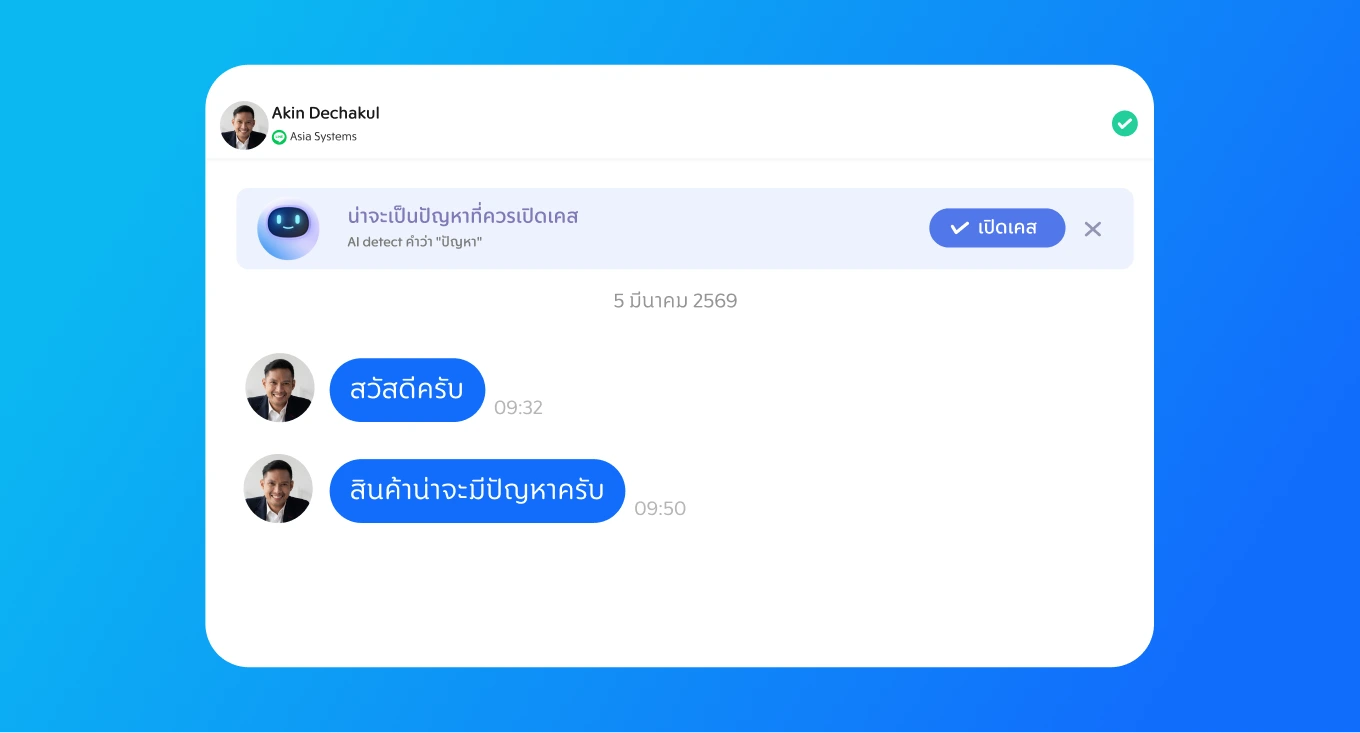
Create cases directly from customer conversations when issues appear, helping teams stay on top of every request.
Create cases manually from information your team already has, then start tracking immediately within the system.
Full Case Visibility, Clear Tracking, and Smarter Resolution
Start Free 14-Day Trial